AI-assisted translation is available in both the CMS and CAT modules. This feature is currently in Beta.
AI-assisted translation enables you to translate with a default or custom prompt. You can also customize the translations with suggestions from AI. This can help increase your productivity and accuracy.
Install AI-assisted translation
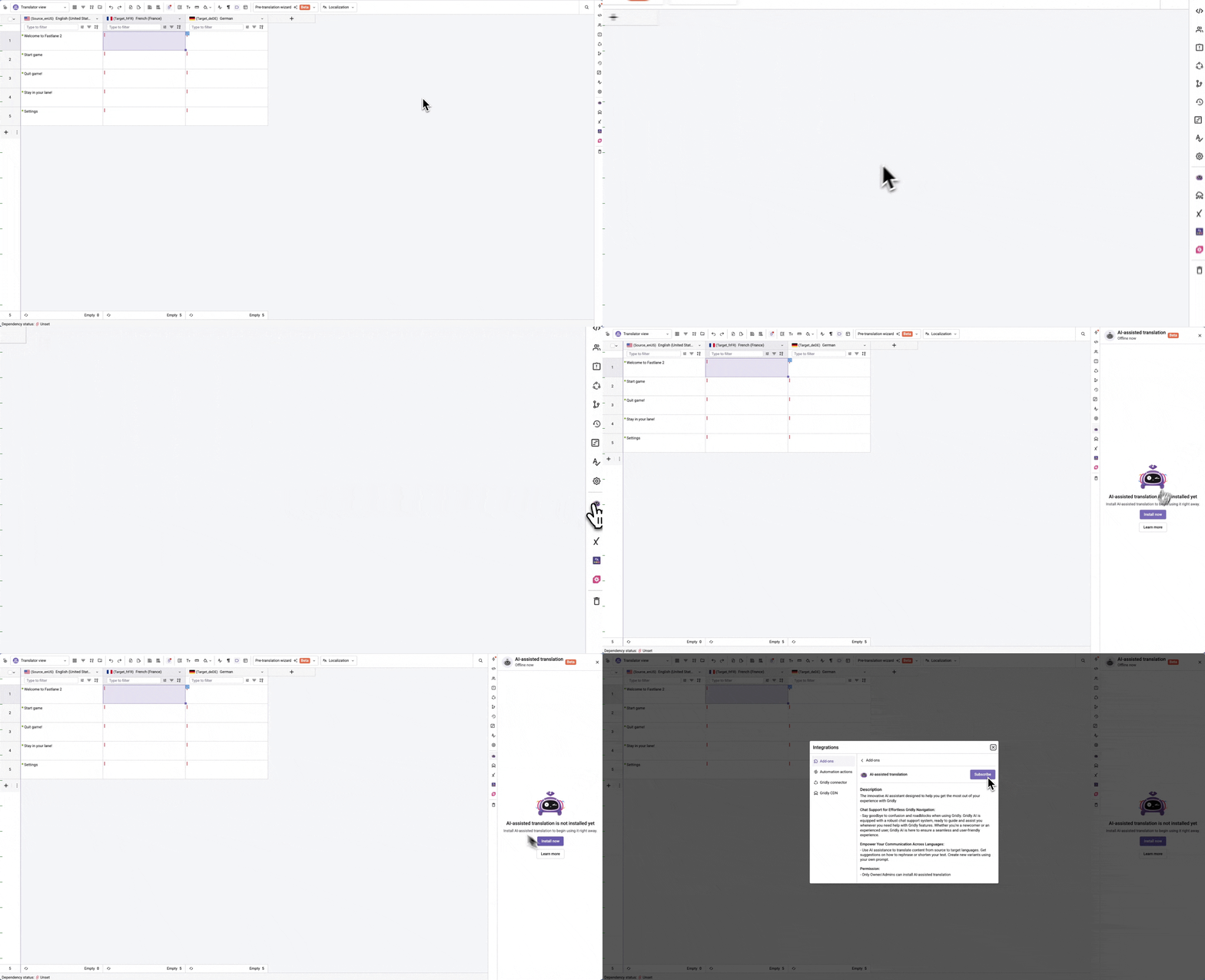
In a Grid, click to open AI-assisted translation
Click on Install now to open the Add-on page.
Click Subsribe.
AI-assisted translation for localization (available in CMS and CAT)
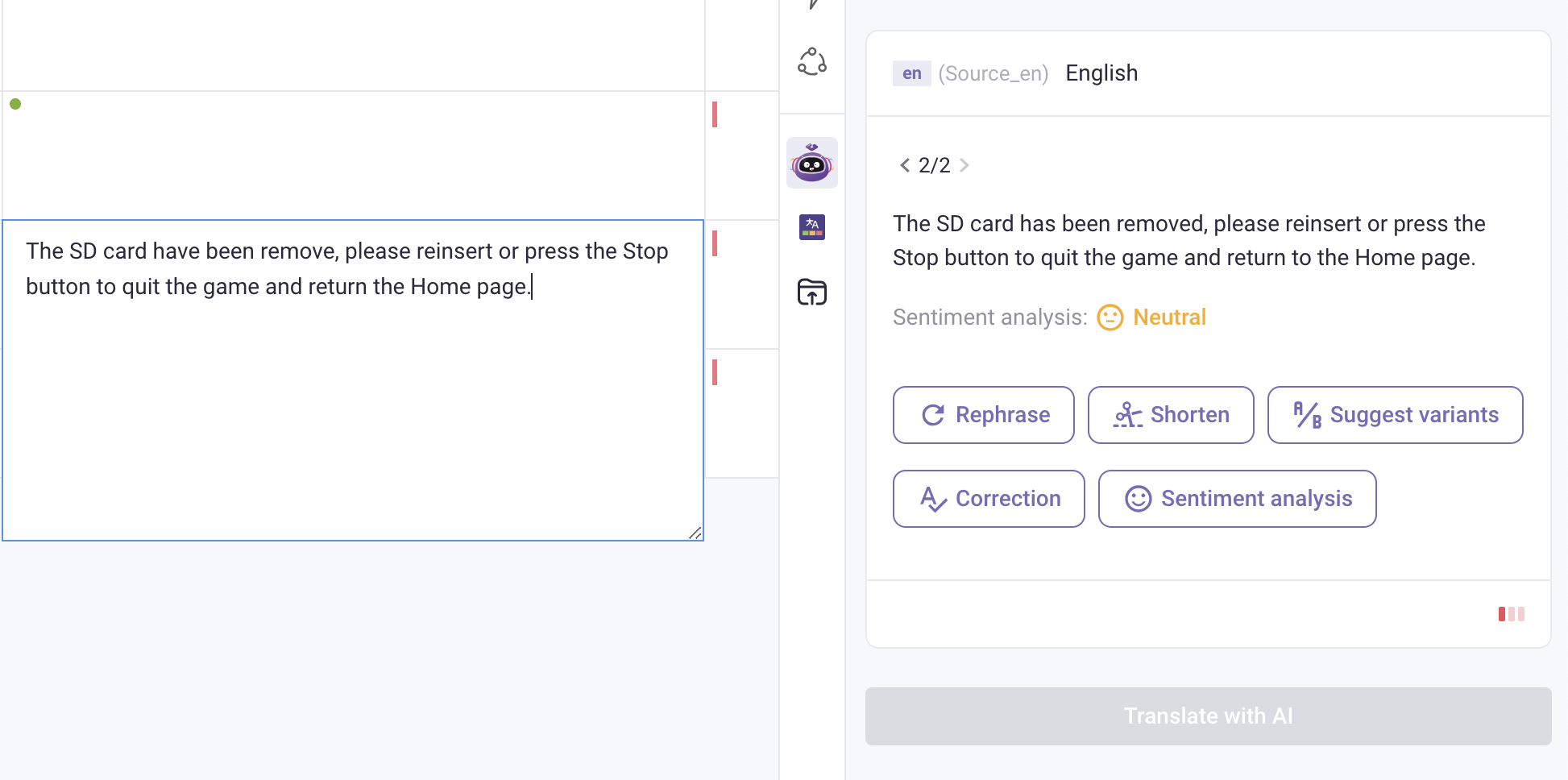
AI-assisted translation offers the same localization features in both CMS Grids and the CAT Editor. You can use it to translate content, rephrase text, shorten passages, suggest alternative variants, correct errors, and analyze sentiment.
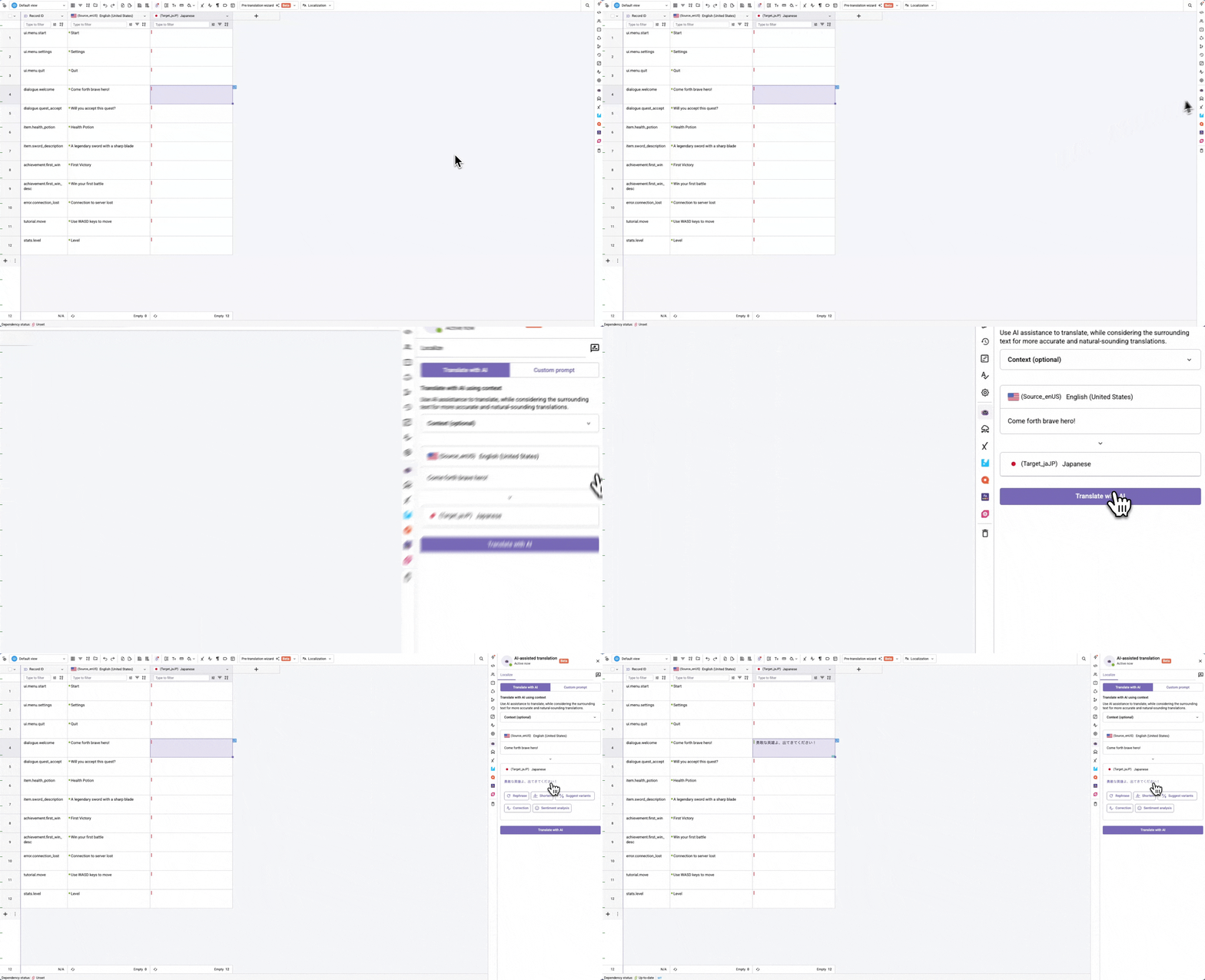
Gridly provides a default prompt optimized for AI translation. To translate with this prompt:
Click on a cell in the target language column you want to translate.
Open AI-assisted translation.
(Optional) Add context for more accurate translations
Click Translate with AI
Click on the translated text to insert it to your selected cell.
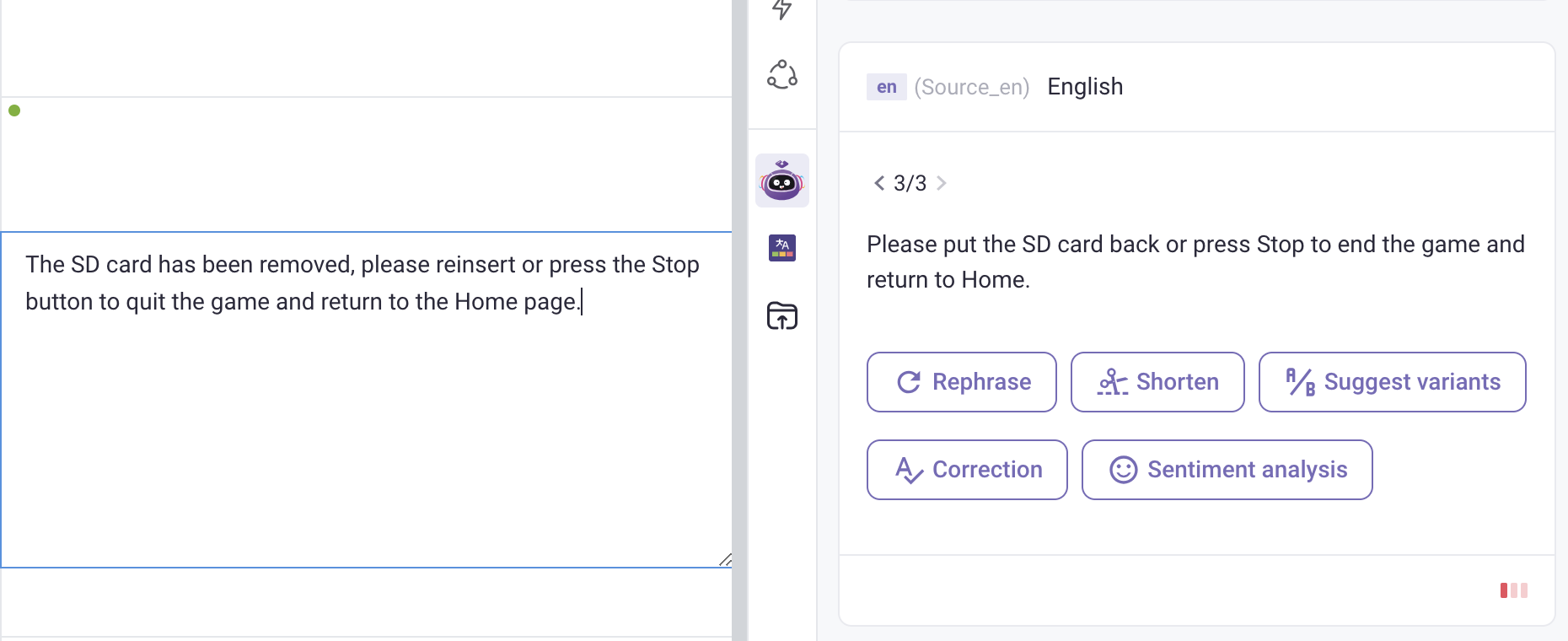
Customize content with AI suggestions
Click on a cell in the localization column
Select one of the options:
Rephrase: rewriting content to better suit the context. Rephrase works better if you add context.
Shorten: reducing the length of text while maintaining its meaning and clarity.
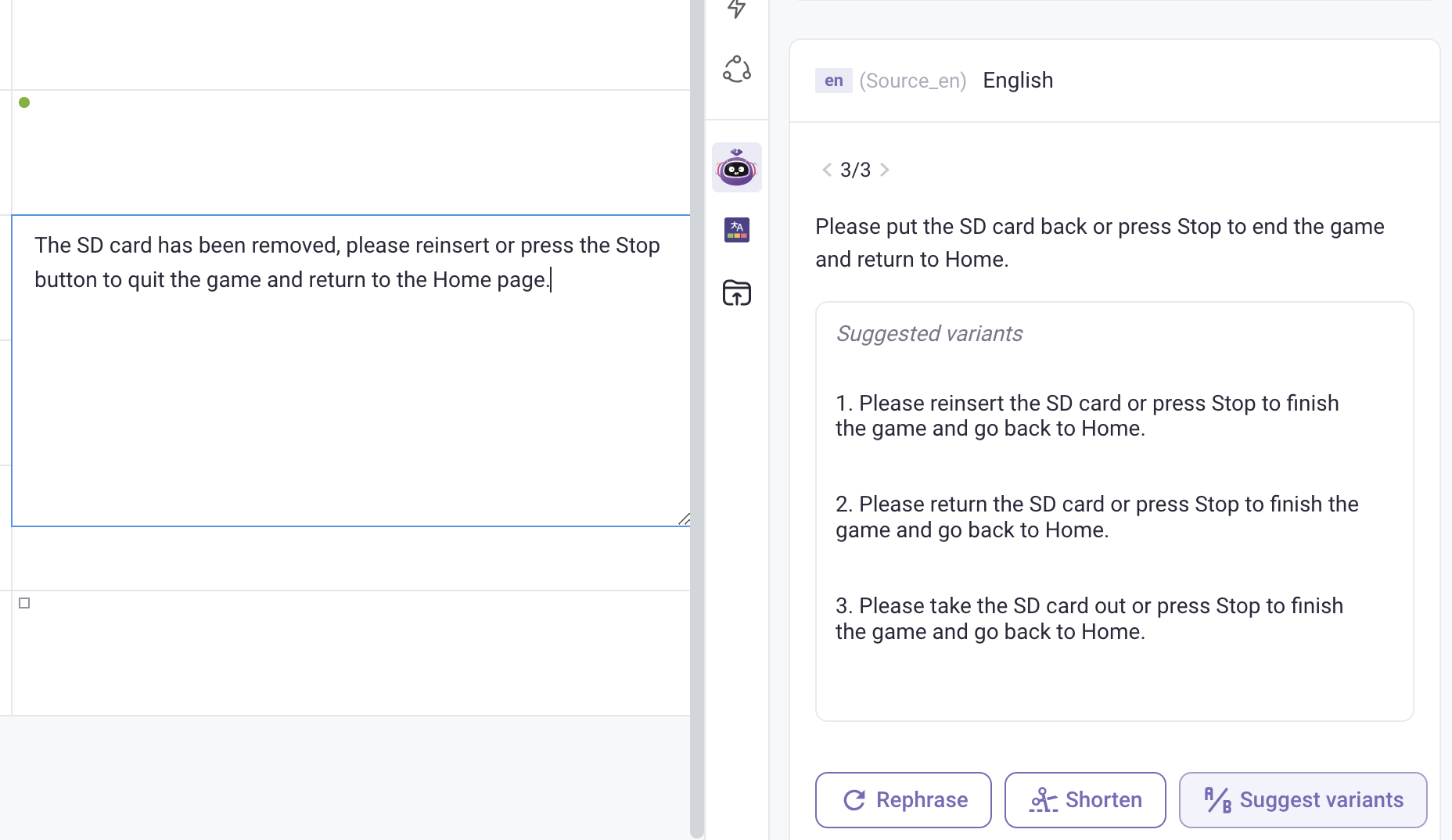
Suggest variants: providing alternative translations or content.
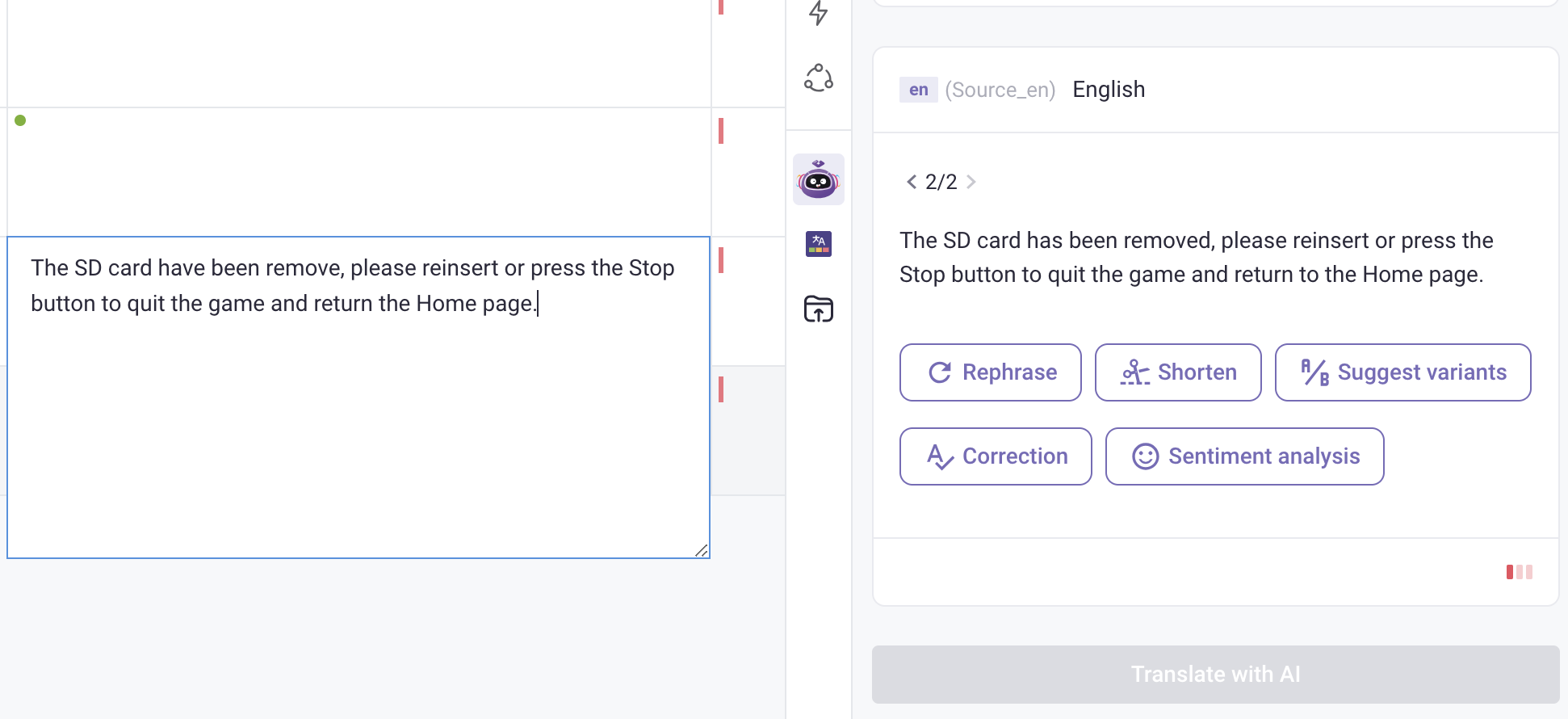
Correction: fixing errors (grammar, syntax, vocabulary, terminology) in the text.
Sentiment analysis: analyze the emotion of the text (negative, neutral, positive).
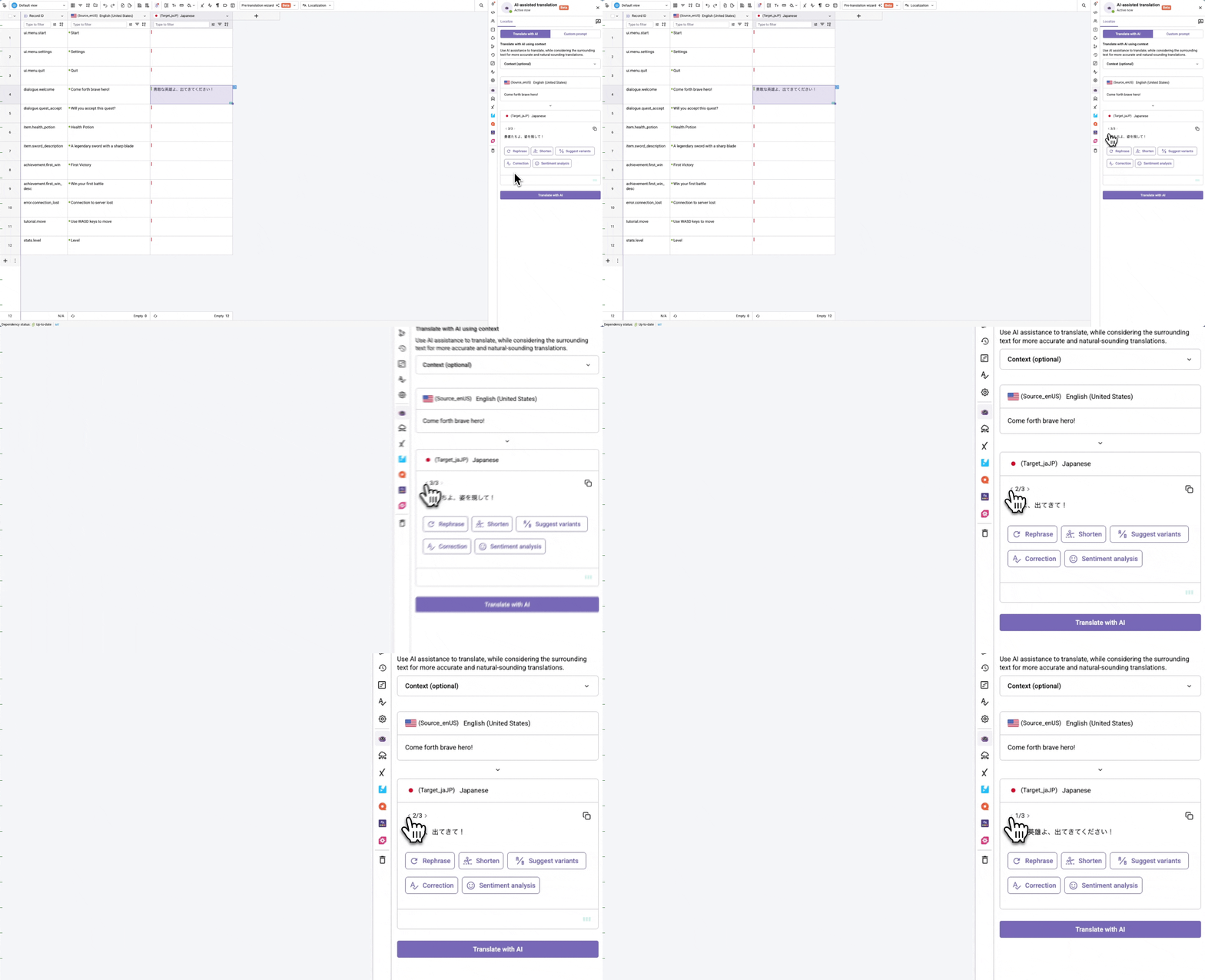
Click on the result to insert it to your selected cell. If you like the previous version, click on the to switch back, then click the result to insert.
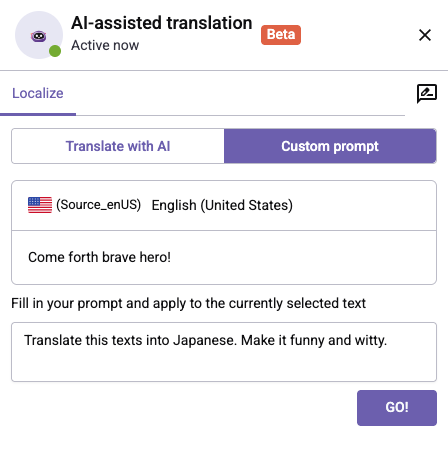
Translate with a custom prompt
If you wish to use your own custom prompt, switch to the Custom prompt tab:


 to open AI-assisted translation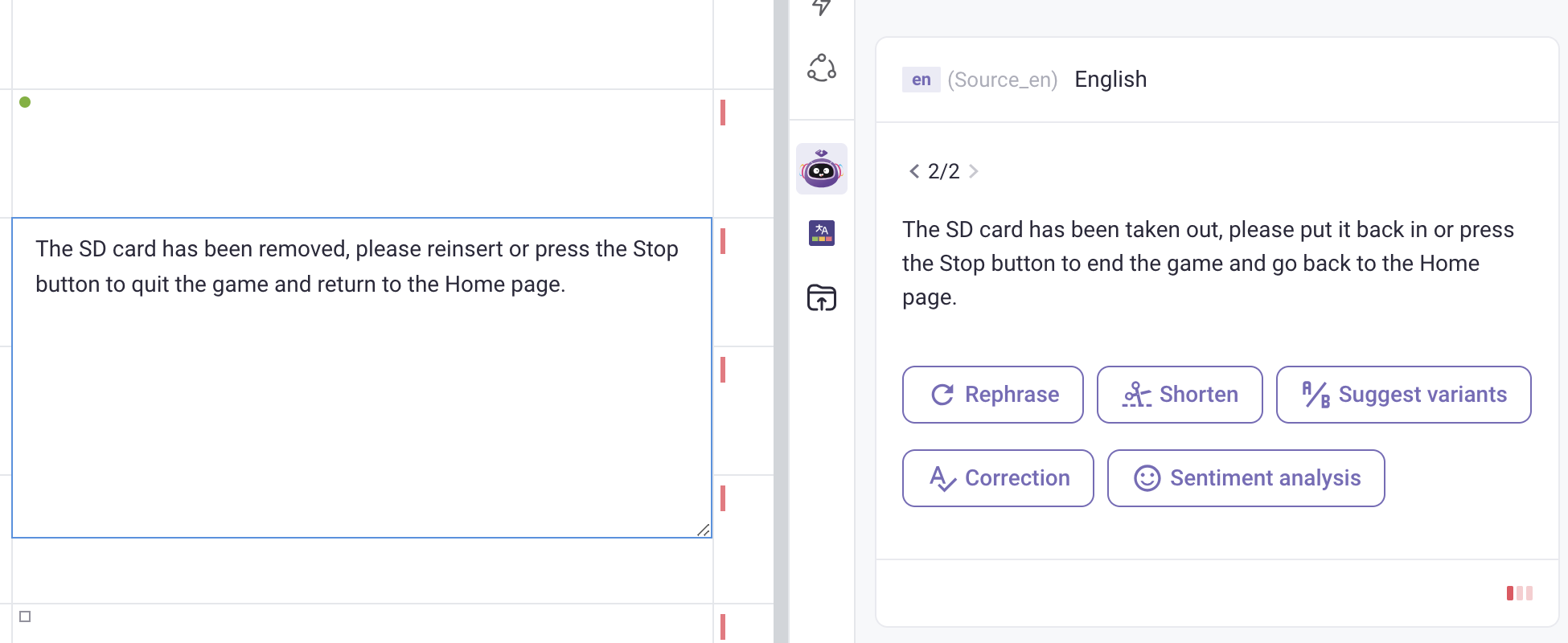
 to switch back, then click the result to insert.