

If you're a member of multiple companies in Gridly, you can easily switch between them from the Home page. This allows you to access different projects and databases across your organizations.
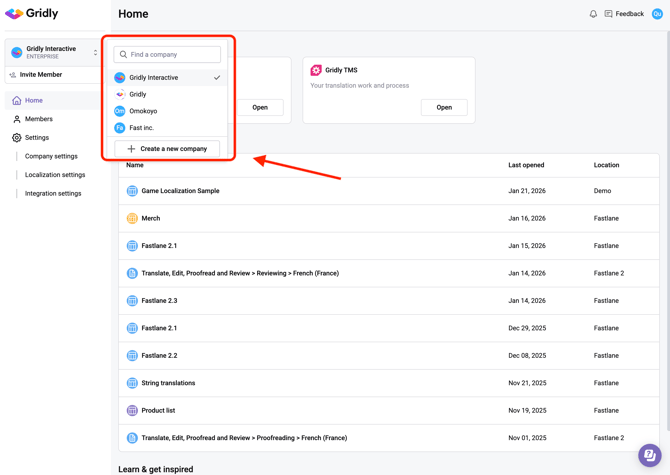
- From the Home page, click the company name dropdown in the top left corner.
- In the search field, you can either:
- Type to search for a specific company name
- Scroll through the list to find the company you want to access
- Click on the company name to switch to that company.