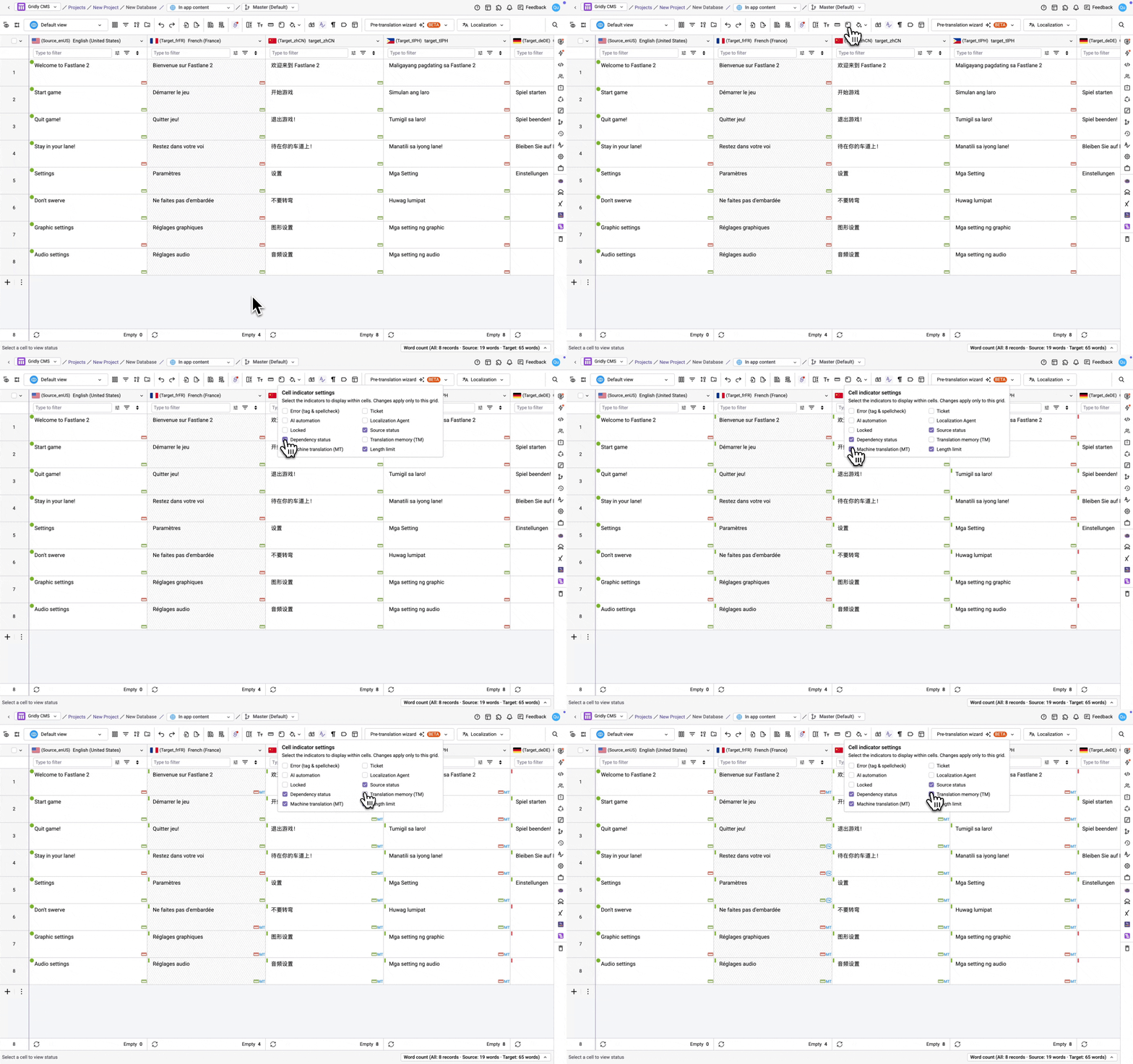

Grid cells can display several indicators at once, such as error flags, status icons, and TM/MT matches. Use cell indicator settings to choose which ones appear, so you can focus on the metadata that matters most to your workflow.
As of the release of this feature, a default set of indicators is preselected for you. Previously visible indicators outside that set will be hidden until you turn them back on.
To configure indicator visibility:
- In a Grid, click the
 icon in the top toolbar.
 - In the Cell indicator settings panel, select up to 5 indicators to display. Changes apply to this Grid only - not per user. Available indicators include:
- Error (tag and spellcheck): Enabled by default
- AI automation
- Locked
- Dependency status: Enabled by default
- Translation memory (TM)
- Length limit: Enabled by default
- Ticket
- Localization Agent: Enabled by default
- Source status: Enabled by default
- Machine translation (MT)
Selections apply immediately. Hiding an indicator only changes what's visually shown alongside a cell - it doesn't affect filtering, search, metadata, or status logic.