

Table of contents:
The Fetch TM automation action enables you to automatically retrieve Translation Memory (TM) matches for multiple target languages in a single step. This action combines the efficiency of multi-language translation actions with the flexibility of TM matching, making it ideal for setting up localization workflows quickly.
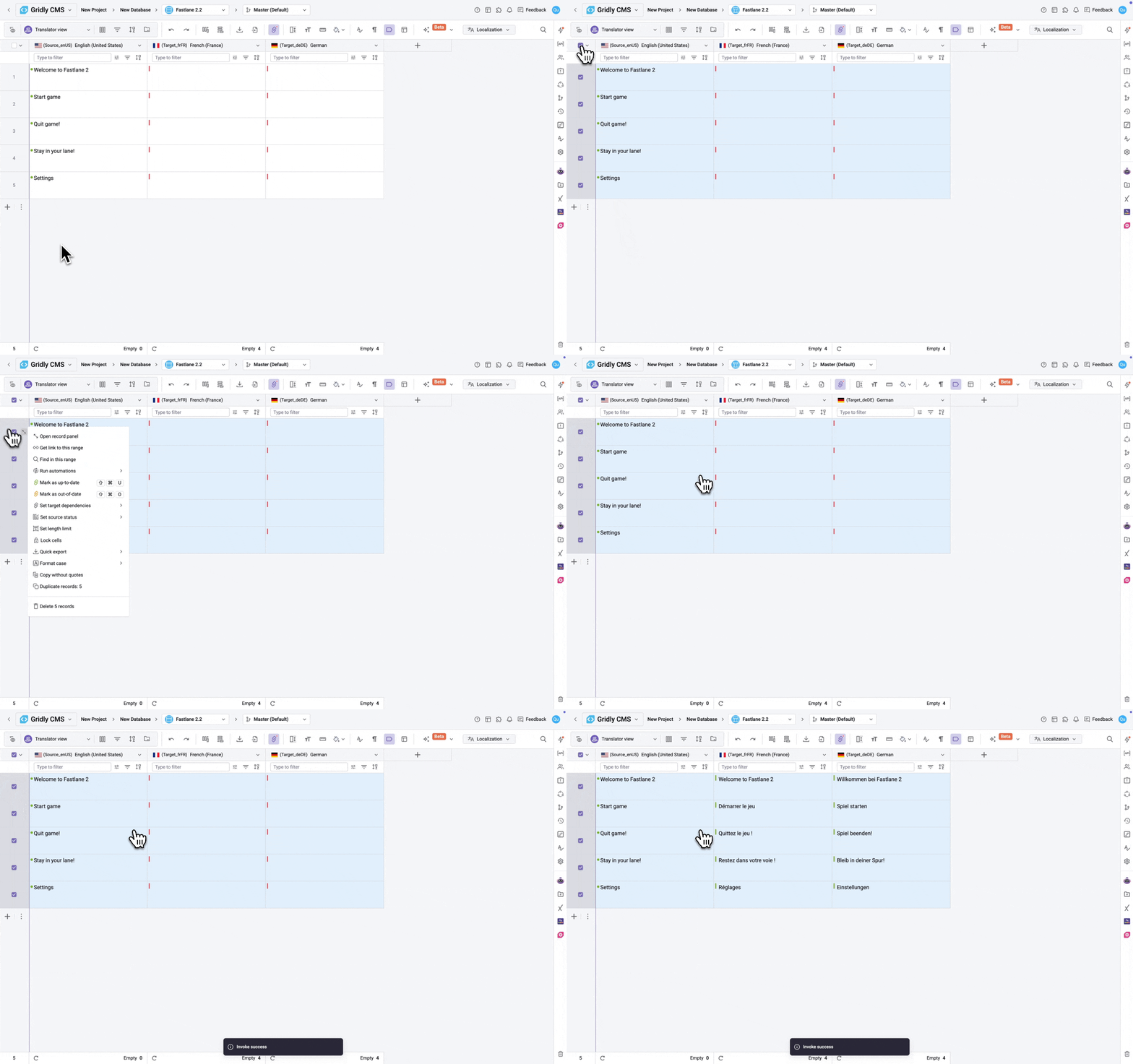
Prerequisite
- If you are not familiar with creating Gridly Automations, refer to this article: Creating an Automation.
- This Automation action uses the Translation Memory assigned to the Project. Learn how to assign TM to a Project.
Setup
After creating an automation and selecting your trigger, click Add Step. Select Fetch TM in the automation action list.
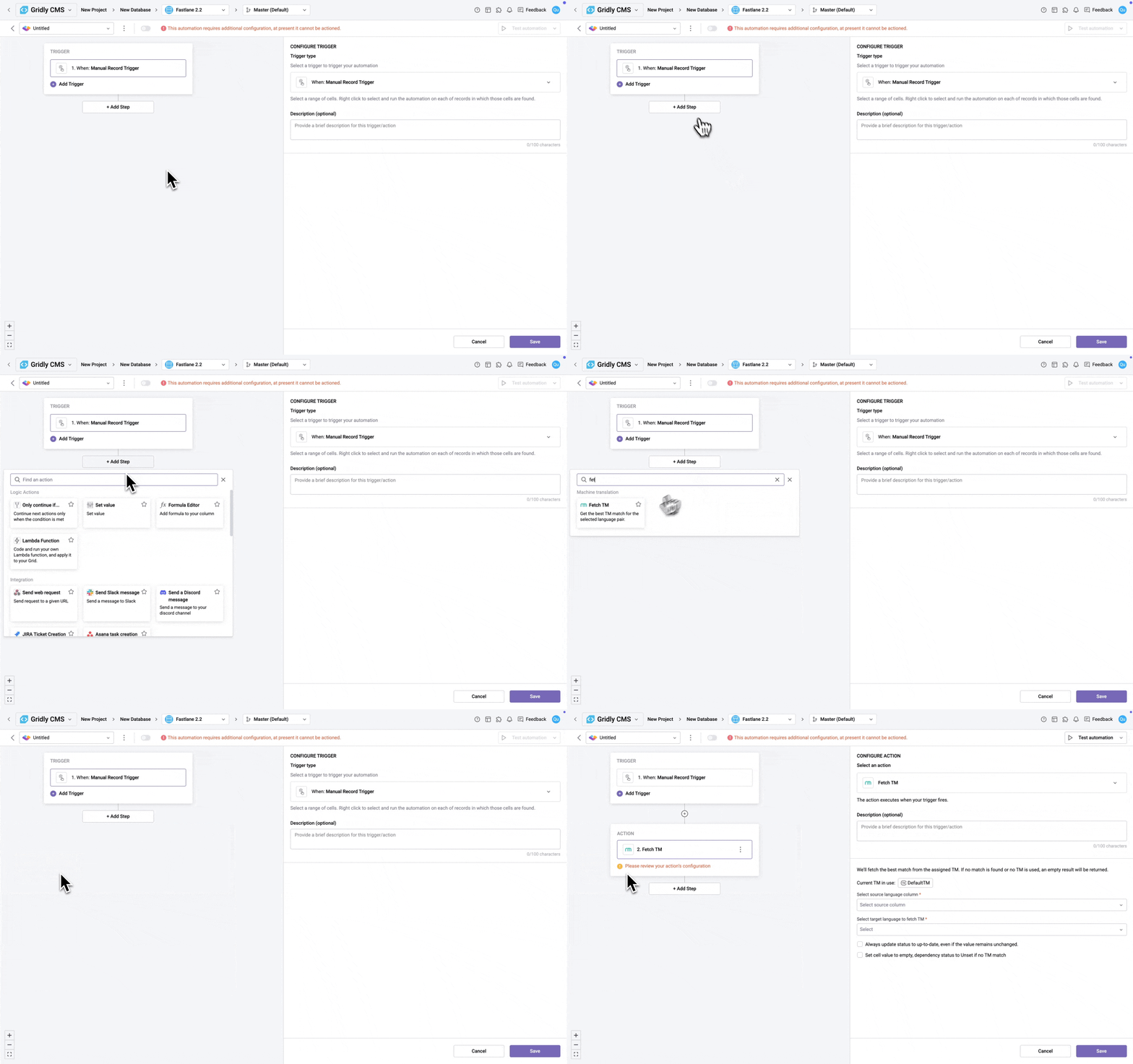
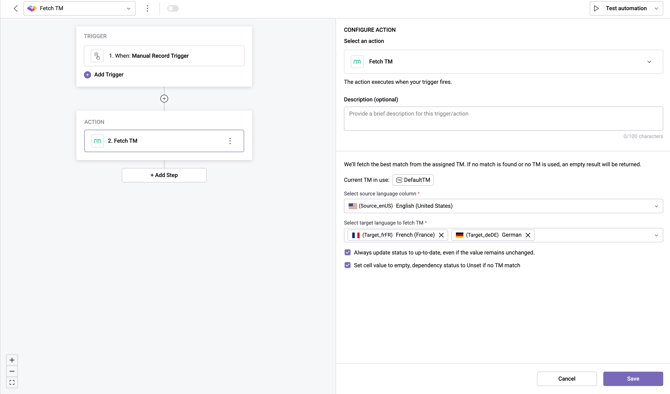
Configure the following settings for this Automation action:
- Select source language column: Choose the source language column that contains the original text.
- Select target language to fetch TM: Select one or more target languages to fetch TM matches for.
- Always update status to up-to-date, even if the value remains unchanged (optional): When enabled, the dependency status will be set to Up-to-date even if the fetched TM match is identical to the existing cell value.
- Set cell value to empty, dependency status to Unset if no TM match (optional): When enabled, if no TM match is found, the target cell will be cleared and its dependency status will be set to Unset.
Test the Automation action
- Switch the toggle next to the Automation's name to activate it.
- Click Test Automation.
Don't see what you need? Gridly can support custom development for solutions not available out of the box. Contact support@gridly.com to discuss your requirements.