
Table of contents:
View Grid history
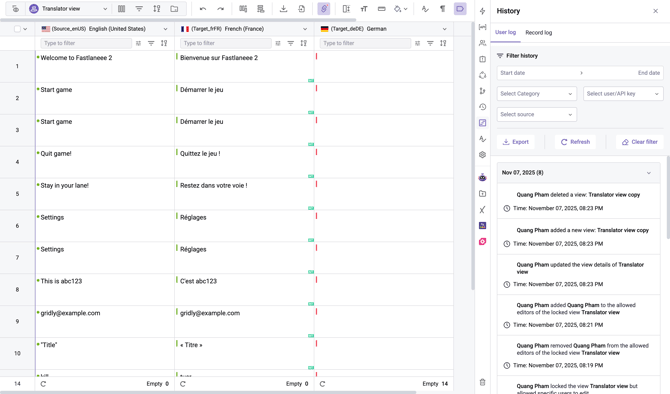
View update history (by who, and when) by clicking on the icon on the right-side panel.
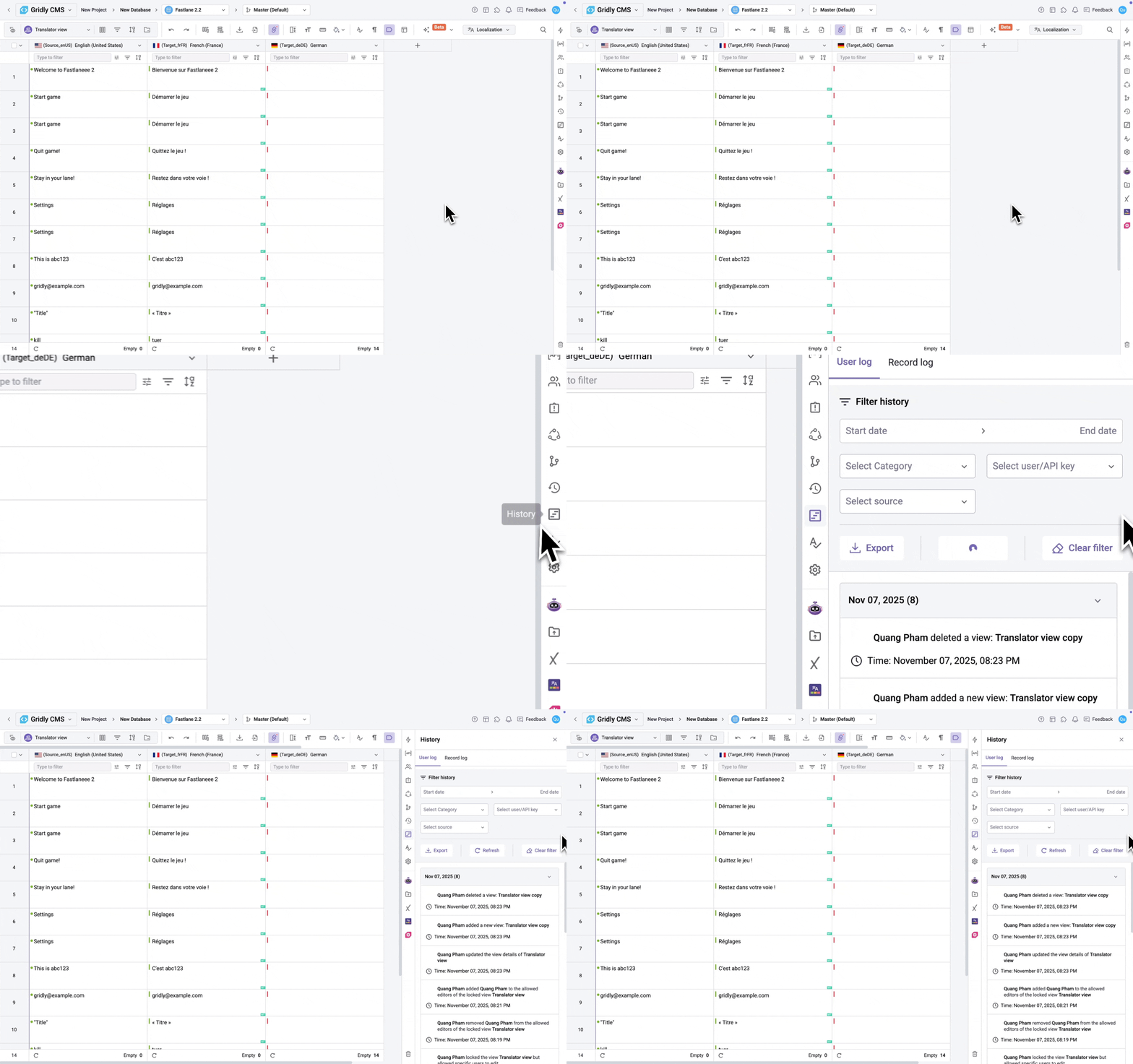
- You can filter changes by:
- Date
- Category: Grid, column, view, record, etc.
- User or API key
- Sources: Automation, memoQ, Phrase
- Click Export to download the Grid history with applied filters.
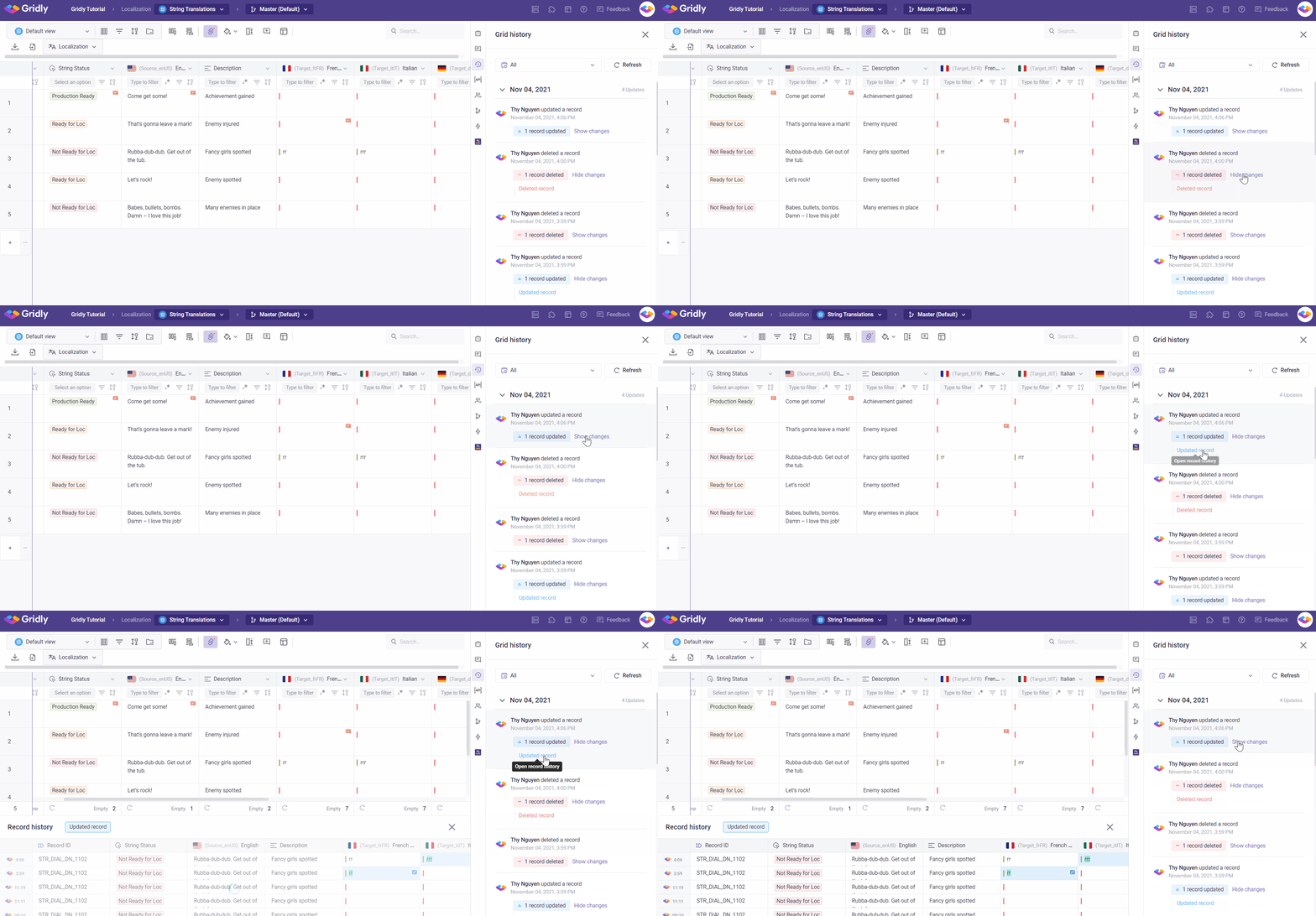
Show and hide changes
- Click on Show changes in Grid history.
- Click on the changes to open Record history and view what changes have been made.
- Click Hide changes if you do not want to see the details.